
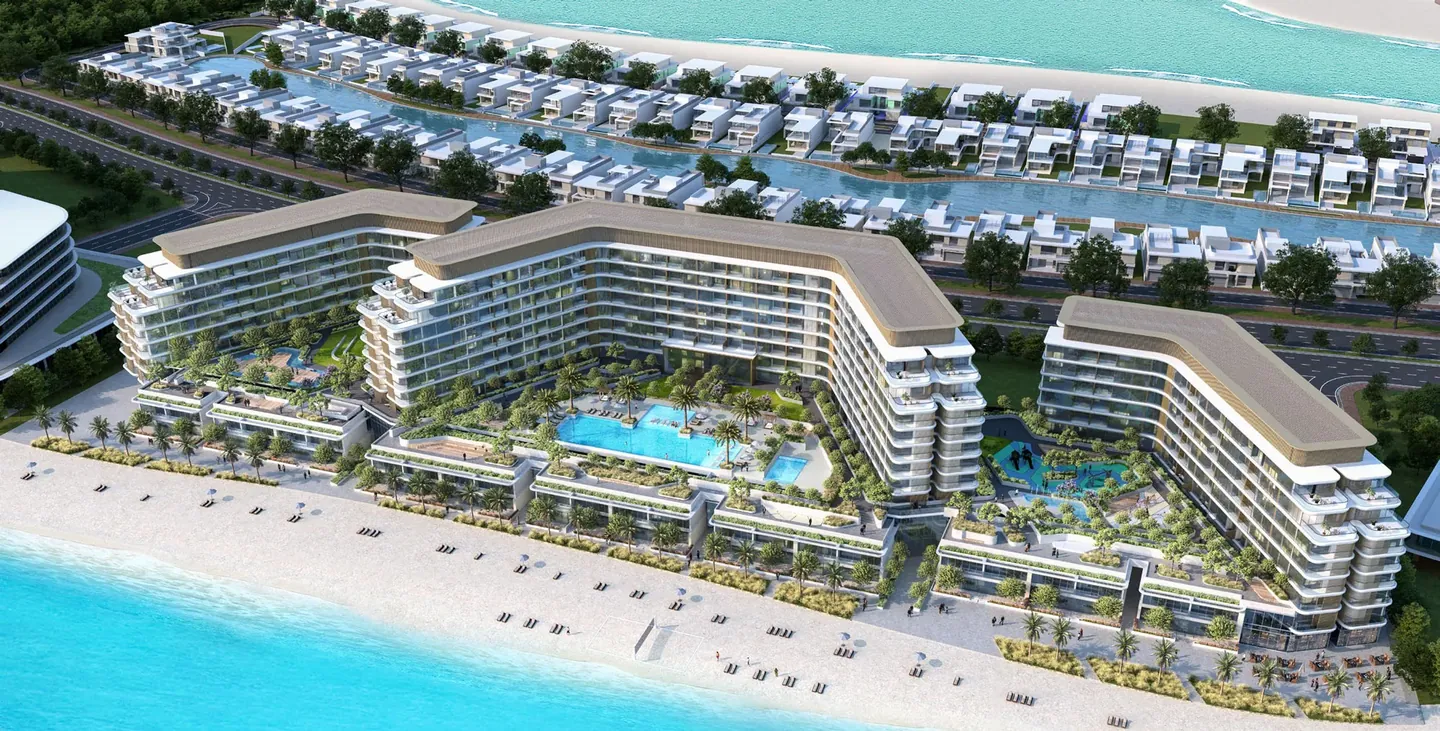
Waterfront property
Delphine Beach Residences: how to check a lagoon view
Verify the view from inside your Delphine apartment and trace the route to the waterfront on Siniya Island.
Updated
View Delphine Beach Residences.For a lagoon view at Delphine, verify what you can see from inside the main room and check the walking route to the water separately.
Ask for evidence from the unit.
Request a marked floor plan and a view from the height and direction of the apartment. Identify which window and terrace section face the lagoon. Check what sits between the building and the water and ask about adjoining development plots.
Trace the route separately.
Use the site plan to follow the walk from the lobby to the water. Ask where residents and guests enter and whether beach and lagoon facilities have separate rules. Compare the actual route for the two apartments on your shortlist.
Locate the actual windows and balcony
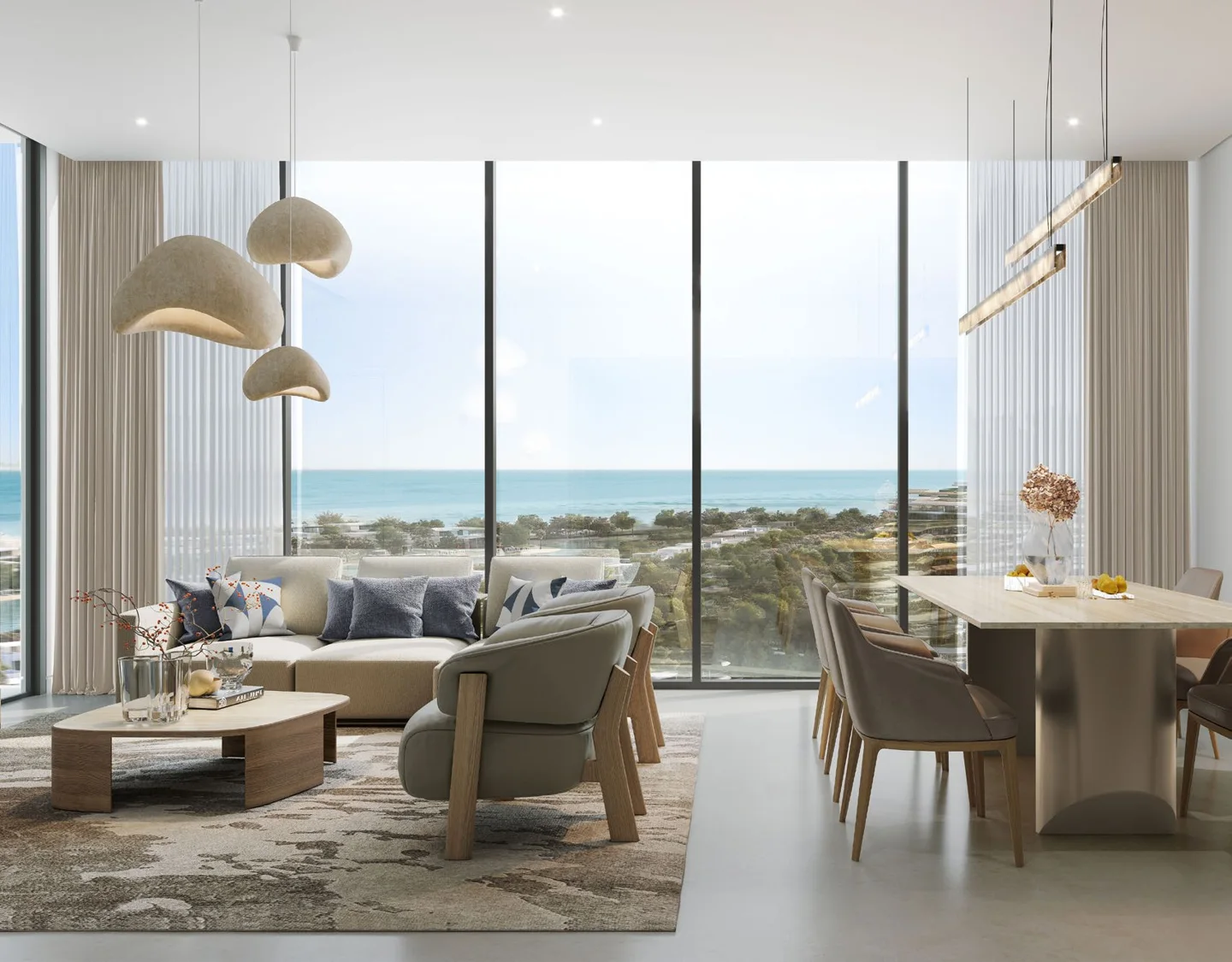
Start with the building and floor plan, then mark the exact apartment and orientation. Ask where the main glazing sits relative to the lagoon and what can be seen from a sofa or dining table. Check whether a balcony wall, landscaping or a podium changes that sightline.
Compare the view under like-for-like conditions
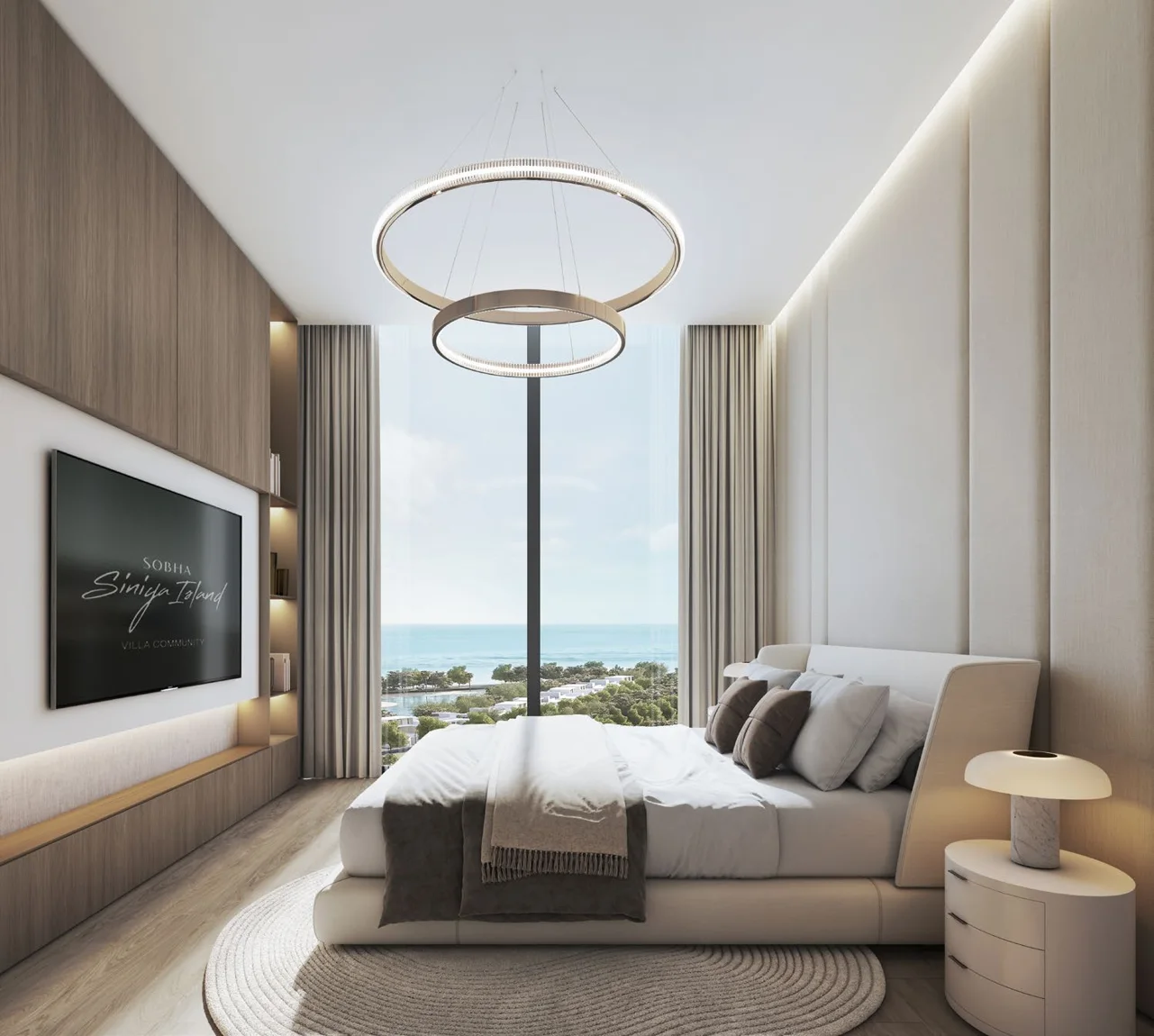
For two options, request images from the same height and lens angle or a continuous video in completed stock. Mark the time of day, sun direction and reflection from the glass. For an unbuilt unit, ask which view imagery is illustrative and what the developer can confirm about surrounding plots.
Verify how you reach the water
Trace the route from the lobby to the lagoon or shoreline. Ask whether the route is public or residents-only, what hours apply and whether guests have access. A view, a walk to water and permission to use the waterfront are three separate checks.
Contact Khalimat